
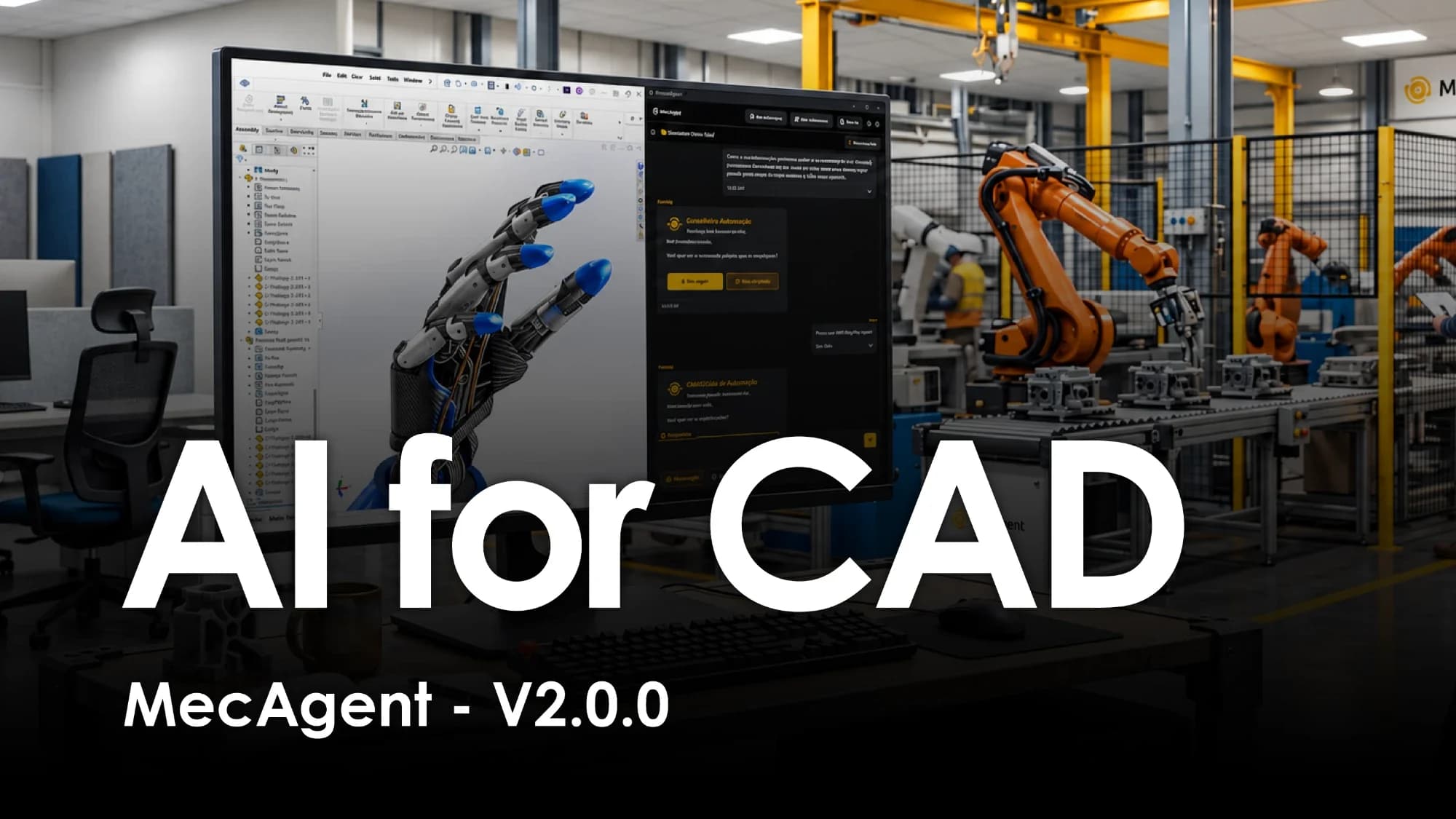
MecAgent V2.0.0 is out: an AI that does the CAD work inside SolidWorks, from a spec to the drawings, live in your session or in the background while you keep modelling. Here is what changed, and why it is a different kind of tool.
Introduction
For thirty years, CAD software has had the same contract with the engineer: you do everything, one click at a time. The software is extraordinarily capable, and extraordinarily literal. Every sketch, every feature, every mate, every drawing view, every dimension, every export is a sequence of clicks that only you can make.
AI did not change that contract at first. The first generation of "AI for engineering" tools answered questions. The second generated geometry, but outside your CAD, as meshes you could not edit. MecAgent V2.0.0 is built on a third idea: the AI works in your SolidWorks session, with your files, your standards and your feature tree, and it does the work itself.
This article walks through what V2.0.0 does, using the release video above as a guide, and explains why we think it is a breakthrough compared with the ways engineers have used software, and AI, until now.
Three paradigms, and why they stall
Paradigm 1: manual CAD, plus macros for the brave
Everything in CAD is reproducible, so everything can in theory be automated. In practice, automation meant VBA macros and the SolidWorks API: powerful, brittle, and written by the one person in the company who knew how. Most engineers never wrote one. The repetitive work (export packs, renaming, drawing views, BOM clean-up) stayed manual because the cost of automating it was higher than the cost of doing it again.
Paradigm 2: AI that talks about CAD
Chat assistants arrived and engineers used them for what they are good at: explaining a GD&T callout, drafting a macro, suggesting a tolerance. But the assistant lived in a browser tab. It could not see your assembly, did not know your templates, and could not click. Every answer still had to be carried back into SolidWorks by hand. The AI advised; you executed.
Paradigm 3: text-to-3D outside your CAD
Then came generators that turn a prompt into a shape. Impressive demos, but the output was a mesh or a one-shot solid: no sketches, no features, no equations, no configurations, no mates. You could look at it, maybe print it, but you could not engineer with it. A part that does not live in a feature tree is not a CAD part; it is a picture of one.
Each paradigm stalls at the same wall: the distance between the AI and the actual CAD document. MecAgent V2.0.0 removes that distance.
What is new in V2.0.0
Spec-to-CAD
The video opens with a single request: "Create an RC helicopter based on my spec." The CAD Agent reads the spec, plans the parts, and models them in SolidWorks, sketch by sketch and feature by feature, with the task progress visible in the Copilot panel as each part lands in the assembly.
This is more than text-to-CAD. A spec is a document with requirements, dimensions, materials and constraints, often with photos and reference files. V2.0.0 takes that whole context as input, not a one-line prompt. You can attach photos and files, or sketch what you want directly in your CAD software, and the agent builds from it.
Your company context
The biggest gap between a demo and a production tool is company knowledge. V2.0.0 introduces General Knowledges: documents you attach once and the agent applies to every request. The release video shows the categories we see most often:
- Design rules
- Standards and GD&T
- Manufacturing process
- Drawing templates
- Pricing policy
Tell MecAgent how your company designs, and it designs that way. A drawing comes out on your template with your title block. A sheet-metal part respects your bend radii. A machined part gets dimensioned for the process that will make it.
Ask for anything, in plain English
The CAD Agent is not a list of features with a prompt box in front. It drives SolidWorks through the operations engineers actually do, and V2.0.0 widens that list considerably. From the video:
- Design and material application: the helicopter goes from black, white and silver to high-speed orange with materials applied to every part in one request, and the mass properties updated.
- Exploded views: "Create an exploded view" and the agent builds it, step by step, in the assembly.
- Configurations and equations: "Create multiple configurations and length variations for my prop" yields Small, Standard and Large configurations driven by equations, switchable in the ConfigurationManager.
- CAD information retrieval: ask about the assembly you have open (parts, materials, masses, references) and get answers from the model itself, not from memory.
- Motion from text: a motion study set up from a sentence, mates, motors and camera included, and exported as an MP4.
CAD-to-Drawing that knows how the part is made
Drawings are where V2.0.0 goes furthest. Ask for drawings of an assembly and the agent creates one per unique part and configuration, picks views and sections, and dimensions them for the manufacturing process: machining and turning, sheet metal with flat patterns, weldments with cut lists, moulding with drafts and wall thicknesses, additive with functional dimensions only.
At the assembly level it produces the drawing with the exploded view, balloons and a BOM on your template. And it goes further than the drawing: the video ends that sequence with a BOM exported to Excel, with masses and materials filled in from the model.
Text-to-CAD macros, and a library of them
Anything the agent does once can become a macro you run again in one click. V2.0.0 makes this a first-class workflow: Macro mode turns a request into a reusable automation (the video shows a "SW25, SW24, STEP & DXF export" macro running across a folder of parts), and Remix Macros adapts an existing one to your workflow.
The macros are shared. At the time of the video the public library held 316 community-shared automations: sheet metal, drawings, export, assembly, parts, sketches, analysis and utilities. Copy one, remix it, run it. Automation stops being the privilege of the one engineer who knows VBA.
Two modes: live, and in the background
This is the structural change in V2.0.0. MecAgent now has two modes.
CAD Agent (live) works in the SolidWorks session you have open. You watch it model, and you can take over at any time: the part is yours, in your file, with a normal feature tree.
Background CAD Tasks take the long jobs away from your screen. You send a file and get a file back, while SolidWorks stays free for you:
- CAD-to-Drawing: send a part or assembly, get the dimensioned drawing back.
- Drawing-to-CAD: send a PDF drawing, get an editable SolidWorks part back. The agent reads the drawing, views, dimensions and notes, and rebuilds the geometry.
- STEP-to-SLDPRT: the video shows the clearest case. Before: an imported STEP, 14 dumb solid bodies, no history. After: a native SLDPRT with a proper feature tree, equations and named features, rebuilt as an editable part.
- Text-to-CAD and macro generation, as background jobs too.
Every background task runs in parallel. The final shot of the video says it plainly: you, in SolidWorks, keep working; the copilot, in the background, runs four tasks at once. That is not a faster way to click. It is a second engineer.
Why this is a breakthrough
The AI acts in the real document. Not a chat answer, not a mesh in another app: sketches, features, mates, configurations, drawings and macros in your SolidWorks files. Everything it makes is editable because it is made the way you would make it.
It carries your context. General Knowledges mean the agent designs to your rules, dimensions for your processes and draws on your templates. The output is not generic; it is yours.
It scales sideways. Background CAD Tasks break the one-engineer-one-session limit that has defined CAD since the first workstation. Drawings, conversions and exports become jobs you dispatch, not afternoons you spend.
Automation becomes shareable. A macro library with hundreds of community automations, and an agent that writes new ones from a sentence, turns the rarest skill in a CAD team into something every engineer can use.
It stays under your control. Live mode shows every step, the feature tree is a normal feature tree, and background results come back as files you open, check and keep or discard. The engineer remains the engineer; the clicking is what changes hands.
Getting started
MecAgent V2.0.0 is available now, for SolidWorks. Start free with 3,000 tokens: install the add-in, open a part or assembly, and ask for something you would otherwise have done by hand this afternoon. The demo page shows every use case on video, live with the CAD Agent and handed off to Background CAD Tasks.