

Download
Install MecAgent in SolidWorks
From the download button to your first prompt in SolidWorks, in about five minutes.
Download for WindowsGet MecAgent
- Download for Windows
01Click Download for Windows
Start from the button at the top of this page, or from any Download button on the site.
- Create an account
02Create your MecAgent account
Sign up with your email. It is free to start, and the same account works in the app and on the website.
03Open the Download page
In your account, Download sits just left of Dashboard in the top bar. Already there? Skip to the next step.
04Click Download for Windows
On the MecAgent Copilot for SolidWorks card. The page always serves the latest version.


Install
05Wait for the download to finish
mecagent-copilot-vX.X.X-setup.exe is about 330 MB. Your browser shows the progress.
06Run the installer
Open mecagent-copilot-vX.X.X-setup.exe from your downloads and let it install.
07If Windows warns you, run it anyway
If a warning window appears, click “More info”, then “Run anyway”. Windows shows it while a new version of the installer is not yet known.
Connect
08Sign in to MecAgent
If the app asks, sign in again with your MecAgent account, then enter your two-factor code if you turned it on.
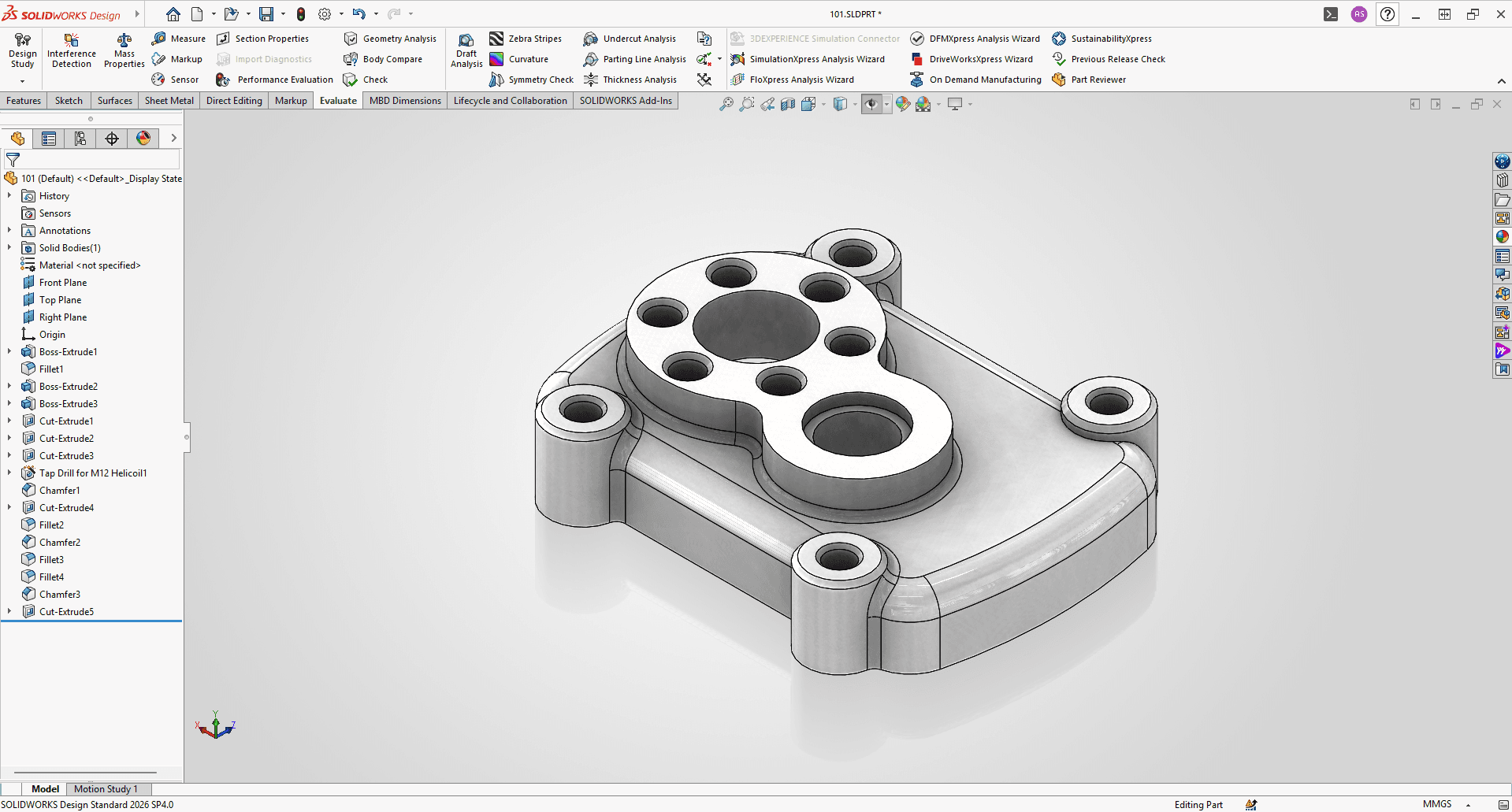
09Open SolidWorks
Start SolidWorks 2024, 2025 or 2026. MecAgent finds it on its own.
10Check the SolidWorks connection
The status dot at the top should show SolidWorks and Agent as Connected. If not, click the refresh icon next to it.
Start building
11Type what you want to do
You are ready: describe the part, the change or the export in the MecAgent chat bar, and the AI acts directly in SolidWorks.
12Use the switch for Background agents
Flip the switch at the top to hand long jobs to the Background agent: CAD-to-Drawing, Drawing-to-CAD, Text-to-CAD or STEP-to-CAD.
13Open the side panel
Start a new chat, add context in General knowledge for the agents, run a favourite macro from your automations, or go back to an old chat.

Requirements
- Windows 10 or 11, 64-bit
- SolidWorks 2024, 2025 or 2026
- An internet connection
- A MecAgent account (free)
Other CAD software
Working in Inventor, CATIA V5, 3DEXPERIENCE, Fusion 360, NX, Solid Edge, Onshape or Creo? Use the MecAgent web app. The CAD Agent and CAD-to-Drawing output STEP and PDF you can open anywhere. Native add-ins are coming.
 SolidWorks
 Inventorsoon
 CATIA V5soon
 3DEXPERIENCEsoon
 Fusion 360soon
 Siemens NXsoon
 Solid Edgesoon
 Onshapesoon
 PTC Creosoon
Troubleshooting
Next step
Ready when SolidWorks is.
Install MecAgent, sign in, describe the part.