Back
The Best AI Tools for CAD in 2026: A Practical Guide for Engineers
How to write clearer, more structured CAD prompts to generate more reliable, reusable, and powerful automations with MecAgent.
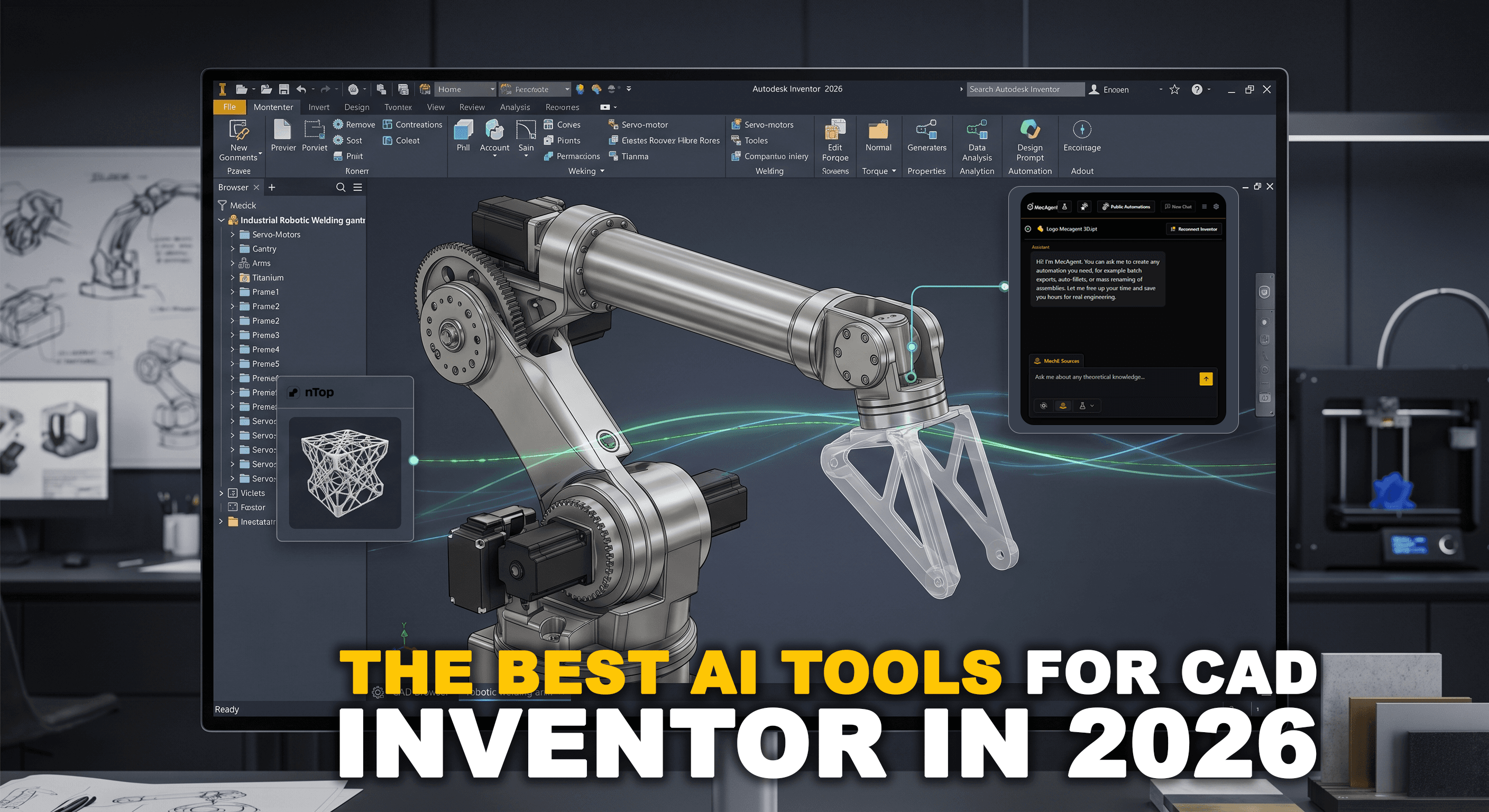
The Best AI Tools for CAD in 2026: A Practical Guide for Engineers
Beyond the Marketing: The Reality of Inventor in 2026
Autodesk has made numerous announcements about AI in recent years, and Inventor users are finally starting to see concrete changes. However, the gap between what Autodesk showcases at Autodesk University and what your team can actually use on a daily basis remains wider than marketing suggests.
Some features are already operational and useful. Others still require a Fusion 360 subscription to be accessible. Most importantly, there is still a major blind spot that Autodesk AI does not address at all: the inability to intelligently access technical expertise and automate repetitive workflows. This is where the real productivity loss lies.
This guide breaks down the four technological pillars MecAgent, Autodesk, Ansys, and nTopology, that are essential for your efficiency in 2026.
Tool | Category | Inventor Compatibility | Availability |
MecAgent | Business expertise & automation | Native plugin (.ipt, .iam, .idw) | Available |
Autodesk Design Copilot | Design assistance (Design AI) | Native (Inventor 2026) | Available |
Ansys Inventor Plugin | Simulation (AI+) | Bidirectional plugin | Available |
nTopology | Advanced topology optimization | Direct import (.ipt / .iam) | Available |
Inventor Shape Generator | Basic topology optimization | Native (Stress environment) | Available |
Autodesk Assistant | General-purpose assistant | Technical preview (Inventor 2027) | Preview only |
2. MecAgent: The Hub for Technical Expertise & Automation
MecAgent fills the gap left by native tools. While Autodesk focuses on geometry creation, MecAgent tackles the #1 problem in engineering offices: instant access to certified technical expertise and the elimination of manual tasks.
Mechanical Expert: The End of Unproductive Searches
The Mechanical Expert module doesn’t just search it delivers answers.
Integrated Trusted Sources: Unlike AI tools that dig through poorly organized legacy files, MecAgent draws from a preloaded database of reliable sources (ISO/ASME standards, supplier catalogs, technical literature).
Direct Citations: Every technical answer includes a citation (page and paragraph from the source document), ensuring robust design without leaving your assembly.
SOC 2 Type I Security: Your intellectual property remains fully isolated and protected.
Automation Center: The Operational Engine Inside Inventor
MecAgent’s integration transforms daily use of Inventor by automating tasks that previously required dozens of clicks:
Cleanup & Standardization: During import (STEP files, etc.), AI automates cleanup, renaming, and standard application (iProperties) in one click.
Batch Processing: Instantly generate all deliverables (PDF, DXF, STEP) for a full assembly without manual intervention.
Design Routines: Create automation macros (e.g., “Apply all fastening holes according to internal standards”) via a smart button.
Field impact: By combining documented expertise and click automation, teams save an average of 8.3 hours per week per engineer.
3. Autodesk Design Copilot: Accelerating Native Creation
For pure creation (the “blank canvas problem”), Autodesk now offers mature tools in Inventor 2026.
Feature | Real-World Use |
Text-based generation | Useful for creating primitive shapes and basic sketches via voice/text commands |
Step prediction | AI suggests the next logical feature (“Next-Step”) based on your modeling habits |
Smart fasteners | Automatic placement and selection of standard fasteners adapted to holes |
Consultant’s note: Full “Generative Design” (multi-material, multi-process) remains exclusive to Fusion 360. In Inventor, you mainly have Shape Generator for topology optimization.
4. Ansys AI+: High-Speed Simulation
Structural validation should no longer be a bottleneck. Ansys integration within Inventor uses AI to drastically reduce computation times.
Surrogate Modeling: AI predicts simulation results in seconds based on previous calculations, allowing early-stage design refinement before full solving.
Smart Meshing: Automatic optimization of mesh density in geometrically critical areas.
5. nTopology: Advanced Topology Optimization
When Inventor’s Shape Generator is no longer sufficient (extreme weight reduction, additive manufacturing), nTopology takes over.
Complex Geometries: Unmatched control over lattice structures and complex organic shapes.
Interoperability: Native support for .ipt and .iam files ensures seamless transitions without precision loss.
6. Conclusion: What Adoption Strategy?
To maximize your ROI in 2026, identify your bottleneck:
Spending too much time searching for information or doing repetitive tasks? Deploy MecAgent first. It’s the most powerful lever to capitalize on reliable knowledge and free up time in Inventor.
Want to accelerate early-stage prototyping? Use Autodesk’s Design Copilot features.
Simulation cycles too long? Integrate Ansys AI+.
Pushing the limits of additive manufacturing? Move to nTopology.
The goal is not to follow the AI trend, but to eliminate mechanical and informational friction that prevents your engineers from focusing on innovation.

MecAgent Inc.

Other articles you might like
Learn how to increase your productivity with calendars