Back
AI-Powered CAD Automation: 5 Time-Consuming Engineering Tasks to Eliminate
Discover how AI-driven CAD automation can streamline data management, drawing creation, component reuse, batch exports, and reporting. Currently applied to SolidWorks and designed to scale to other CAD platforms.
AI-Powered CAD Automation: 5 Time-Consuming Engineering Tasks to Eliminate
Computer-aided mechanical design (CAD) should primarily be a space for innovation and solving complex technical problems. Yet in many engineering departments, a significant portion of engineers’ time is still absorbed by repetitive documentation tasks and CAD data management.
According to a study published by All About Circuits, engineers spend an average of 40% of their time on manual tasks that could be automated. CAD automation is still too often perceived as a solution reserved for large industrial companies with extensive IT resources. In practice, it is a direct lever for productivity and competitiveness, regardless of the size of the engineering team.
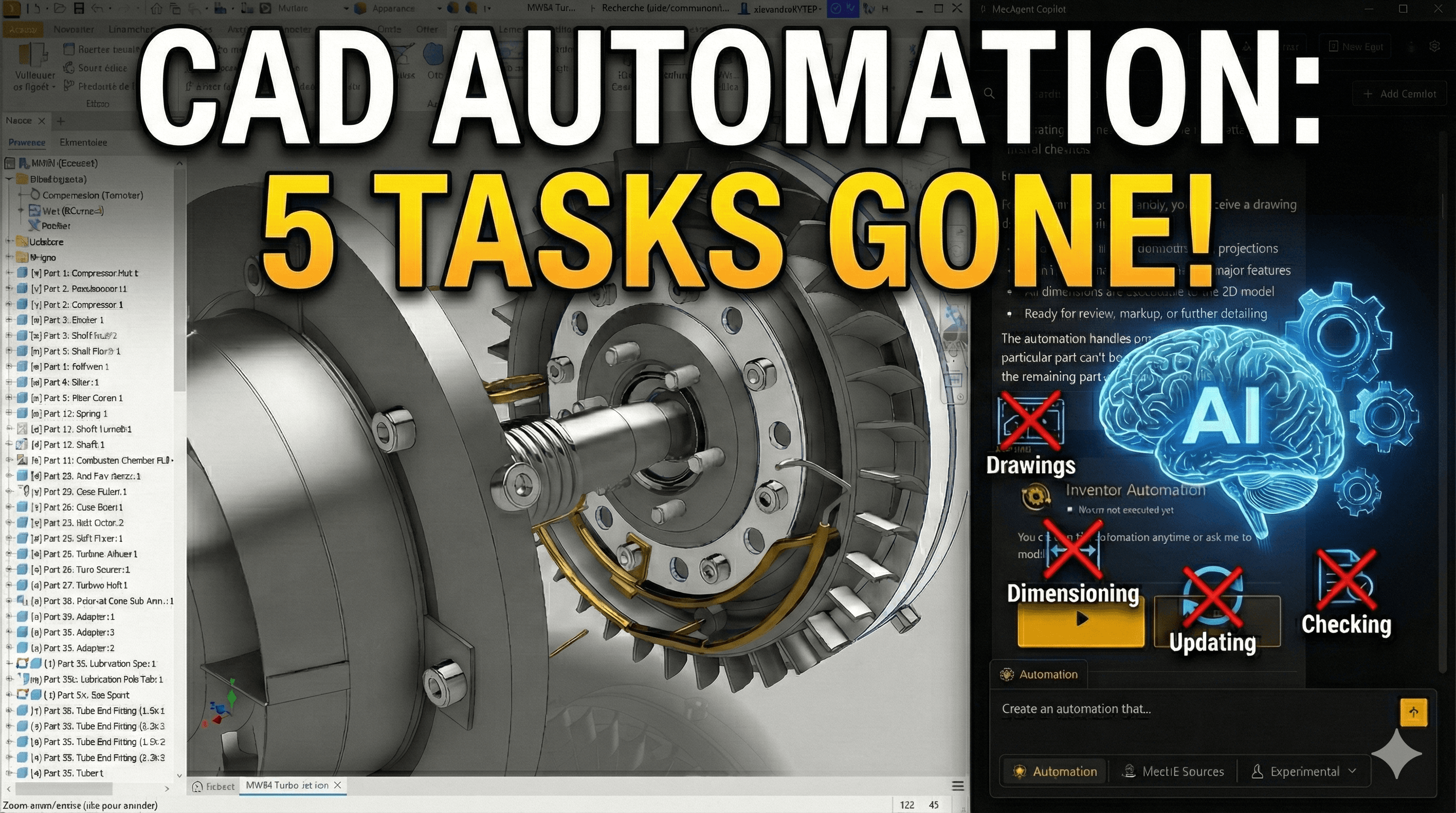
MecAgent developed an AI CAD Copilot capable of turning natural language instructions into automation scripts executable in CAD software. Currently applied to several CAD Software, this approach is designed to scale across other mechanical design environments. Here are the 5 areas where AI-powered CAD automation is no longer optional, but essential.
1. Automate CAD Data Management to Eliminate Human Error
In any mechanical design environment, managing CAD files, metadata, and BOMs is critical. A renaming error, an incomplete BOM, or poorly filled properties can disrupt the entire production chain.
How MecAgent Handles CAD Data Automation
Using CAD software APIs, the Copilot can rename, clean, and reorganize files at scale while strictly following naming conventions and internal engineering standards.
Today, the Copilot ensures full consistency of metadata and BOMs without relying on repetitive manual interventions. Unlike a human operator, it applies rules consistently and reproducibly.
2. Automate CAD Drawing Creation to Reduce Time-to-Market
CAD drawing creation often represents the final bottleneck in a mechanical design project. Manually editing technical drawings, title blocks, annotations, or sheets is time-consuming and low-value work.
Time Savings Through CAD Drawing Automation
The MecAgent Copilot enables CAD drawing automation, particularly in CAD software, by updating at scale:
title blocks
annotations
sheet names and structure
It can also automatically generate drawings for each part in an assembly, including a flattened view for sheet metal or a standard isometric view.
This automation drastically reduces time-to-market while maintaining engineering quality standards.
3. Natural Language-Driven CAD Component Library
In many engineering teams, searching for standard parts in complex libraries leads to significant time loss and encourages unnecessary duplication of models.
An Intelligent CAD Design Library
With MecAgent, engineers can interact with their CAD component library using natural language. They can request the insertion of a specific component or search for existing parts in the inventory.
Currently applied to CAD Software, this approach promotes reuse of CAD models, improves standardization in mechanical design, and strengthens the overall consistency of assemblies.
4. Mass Customization and Automated CAD Exports
Mass customization and managing customer variants require high agility from design teams. Manually handling configurations and technical exports significantly limits this flexibility.
An Agile CAD Configurator for Batch Processing
The MecAgent Copilot excels in batch processing. It can automatically generate complete workflows to:
export sheet metal parts to DXF
generate technical PDFs
organize files into structured project folders
This CAD export automation, demonstrated today on CAD software, eliminates repetitive tasks and secures technical deliverables.
5. Automated CAD Data Extraction and Reporting
Manually extracting mass properties, dimensions, or geometric data to external tools represents low value-added work for engineers.
AI-Powered CAD Data Analysis
Using CAD software APIs, the Copilot can analyze geometry, extract technical data, retrieve metadata, and automatically generate reports in Excel, CSV, or JSON formats.
These outputs can then be seamlessly shared with purchasing, production, or industrialization teams, improving digital continuity across departments.
Conclusion: Towards Multi-CAD Automation with AI
AI Copilot MecAgent | Manual CAD process | |
|---|---|---|
Engineer time use | more focused on high-value design | 40% of time on manual tasks |
Data Integrity | Errors removed by automation | 1–5% human error rate in BOMs |
Scalability | Infinite scaling via automated scripts | Requires linear hiring to scale |
Technical Barrier | Natural Language (Prompt-based) | Requires API/VBA coding skills |
Team Morale | Focus on innovation and problem-solving | High risk of burnout & drudgery |
Table 1: Comparison between automated and manual CAD processes
AI-powered CAD automation is not meant to replace mechanical engineers, but to free them from repetitive tasks that hinder innovation. By delegating data management, documentation, and technical exports to MecAgent, engineering teams can transform constrained time into high-value design time.
Currently applied to SolidWorks, this approach is designed to adapt to other CAD software, supporting the ongoing evolution of mechanical design environments.

MecAgent Inc.

Other articles you might like
Learn how to increase your productivity with calendars


